
Professional voiceover studio · London
Remote Voiceover Sessions
from My London Studio
Listen and direct as I record, or leave the session to me with a clear brief. I record and edit the master audio in my treated London studio, with delivery arranged around your production.
Local master recording · ipDTL · Source-Connect · Zoom · Edited audio
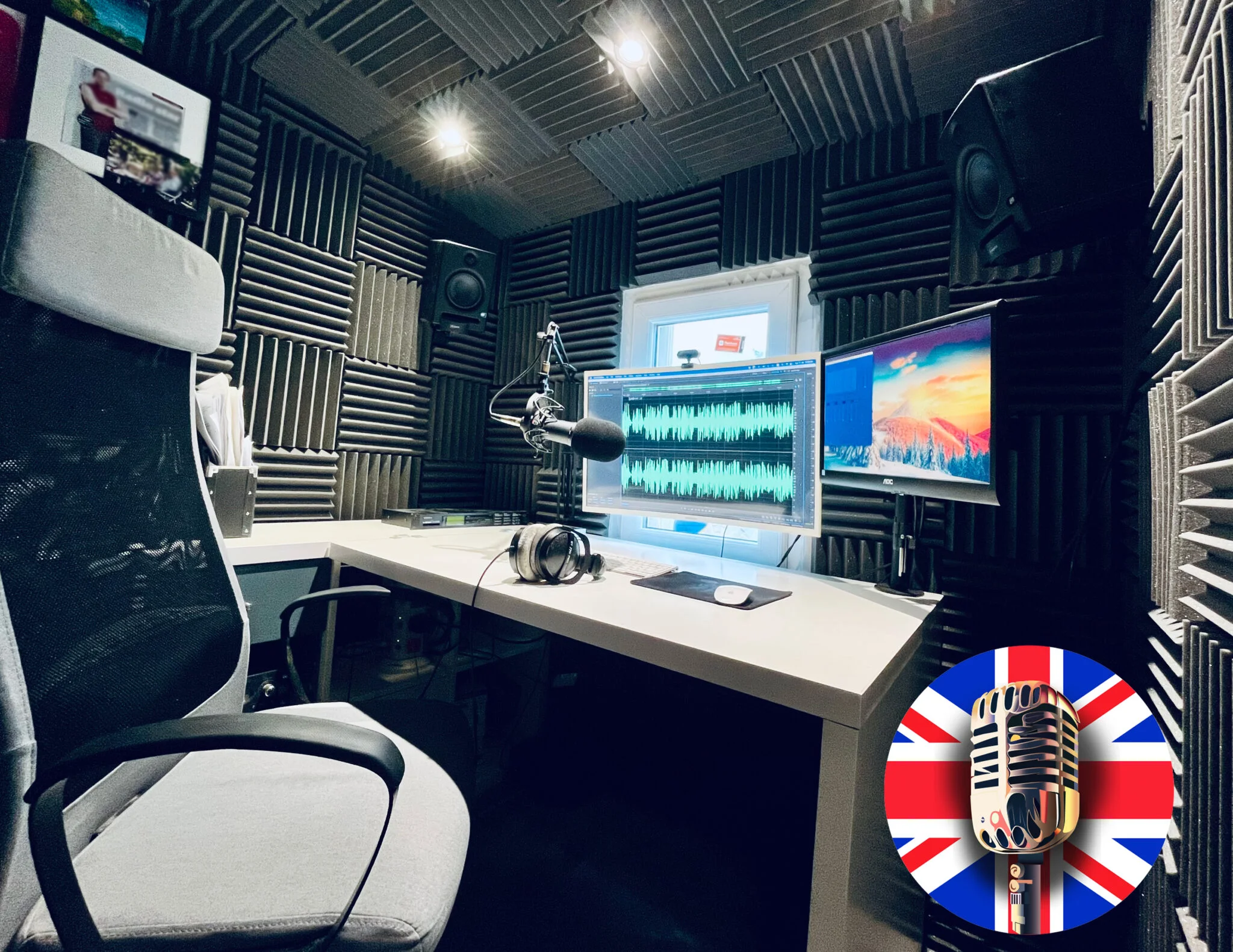
A Dedicated Studio
for Consistent Audio
I record in a purpose-built, acoustically treated studio in London. It gives me a controlled space for clear voice recordings, whether you need a single script or an ongoing series.
The same recording environment helps keep repeat sessions consistent. Below, you can see the equipment I use and how we can work together remotely.
The recording setup
Studio Equipment & What It Does
The room, microphones and recording chain work together. Here’s the setup behind the audio you hear in my samples.
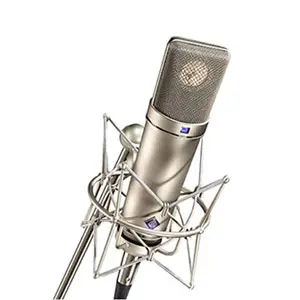
Neumann Microphones
My studio includes Neumann U87 Ai and TLM 103 microphones. These capture the voice at the start of the recording chain, in the acoustically treated room.
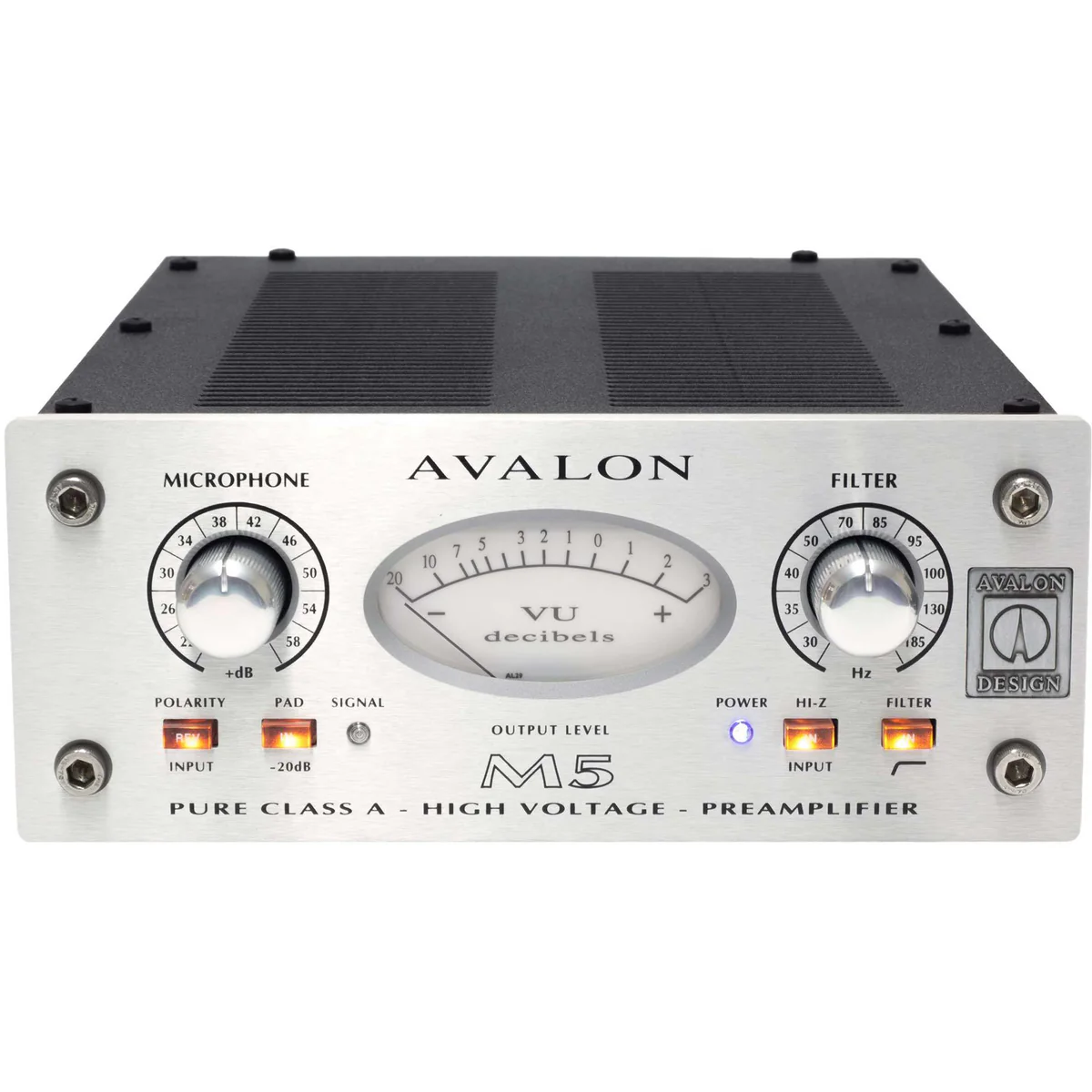
Avalon & Apogee
An Avalon M5 microphone preamp and Apogee audio conversion form part of the recording chain, taking the microphone signal into the digital recording system.
Recording, Editing & Monitoring
I use Adobe Audition and Pro Tools to record and edit each session, with PreSonus studio monitoring to check the finished audio before preparing the agreed files for delivery.
Some of the clients I’ve recorded for




















Hear My Studio
Voiceover Recordings
Listen to my narration reel for a different selection of voiceover recordings. For a technical check of the studio sound, ask for a short unprocessed sample in the format your producer needs.
Connect from your office or edit suite
Remote Direction via
ipDTL, Source-Connect or Zoom
Choose ipDTL, Source-Connect or Zoom for your remotely directed session. We’ll agree the option that fits your producer’s workflow and confirm joining details before recording.
You can listen, check pronunciations and guide the tone, pace or emphasis as I read. I record the master locally in my studio, then edit and deliver the agreed audio files.
You can also leave the recording to me. A final script, clear direction and reference audio let me record independently without you attending.
Using Zoom to Direct Your Voiceover
1. Join & Check Your Audio
We’ll confirm the Zoom link before the session. Join a few minutes early, connect to the meeting audio and check the selected microphone and headphones. A headset or suitable laptop microphone is enough for giving direction.
2. Listen & Give Direction
Keep the agreed script open and use headphones to reduce echo. Between takes, tell me what you’d like to change: pace, tone, emphasis or pronunciation. If several people are joining, agree who will give the main direction.
3. Receive the Studio Recording
Zoom is our connection for listening and conversation. I record the master separately in my studio, then edit and deliver the agreed files. You don’t need to record the call or capture the final audio at your end.
A straightforward recording process
From Your Brief to Finished Audio
For a remotely directed session, you listen and guide the read while I record. The final master is recorded locally in my studio; your microphone is for conversation and direction.
01
Send the script & brief
Include the audience, delivery style, intended use and deadline. Share pronunciation notes, reference audio and any timing or file requirements.
02
Agree & record
We’ll confirm the quote, scope and session time. Join remotely to guide the read, or let me work independently from your notes.
03
Receive the agreed files
I edit and deliver the master audio in the agreed format. Separate clips, file names, alternative takes and revision scope are confirmed beforehand.
Feedback from Clients and Producers
“Neil’s remote recording capability makes it easy to collaborate from a distance and the sound quality of the promptly delivered narration is perfect.”
Matt Russell · Madtown Media
“He's a great communicator, has an eye for detail, delivers an outstanding quality performance and is capable of working to tight deadlines.”
Miles Chicoine · VOquent
“His voice is very adaptable and friendly which was great for my business and exactly what I was looking for.”
Edward Hartly
Before you book
Studio & Remote Session FAQs
Can our producer direct the recording?
Yes. We can arrange a remote session through ipDTL, Source-Connect or Zoom so your producer can hear the read, check pronunciations and request changes to the delivery while I record.
Do I need specialist recording equipment?
You need a way to listen and speak to me, plus a stable connection. I send joining instructions before the session. I record the master locally, so you do not need to capture the final voiceover at your end.
Can you record without me attending?
Yes. Send the final script, pronunciation notes, reference audio and preferred delivery style. I can record independently and deliver the files to the scope agreed in the quote.
Which file formats can you deliver?
WAV, MP3 and AIFF are available, along with other agreed formats. Please provide the sample rate, bit depth, naming and file-splitting requirements your producer needs before recording.
Are editing and revisions included?
The quote sets out the editing and revision scope. If you need separate clips, timed sections, alternative takes or a finished mix, tell me before booking so I can include the required work.
How much does a remote session cost?
The price depends on the recording work, session requirements, editing and intended use. Send the brief and expected session length for a quote. Advertising usage is agreed separately where applicable.
Plan your recording
Arrange Your Voiceover Session
Send your script or estimated word count, intended use and deadline. Let me know whether you’d like to direct the recording remotely or have me work from your brief.
Include any preferred session times, pronunciation notes, file specifications and the people who need to listen in. I’ll reply with availability, a quote and the next steps.
Prefer email? hello@neilwilliams.me
Your details will be used to respond to this enquiry. Read the privacy policy.